Professional Headshot Prompt: A Practical Guide to Better AI Profile Photos
Build prompts that preserve your identity, match the role, and produce a believable professional portrait instead of a generic AI face.
Quick answer
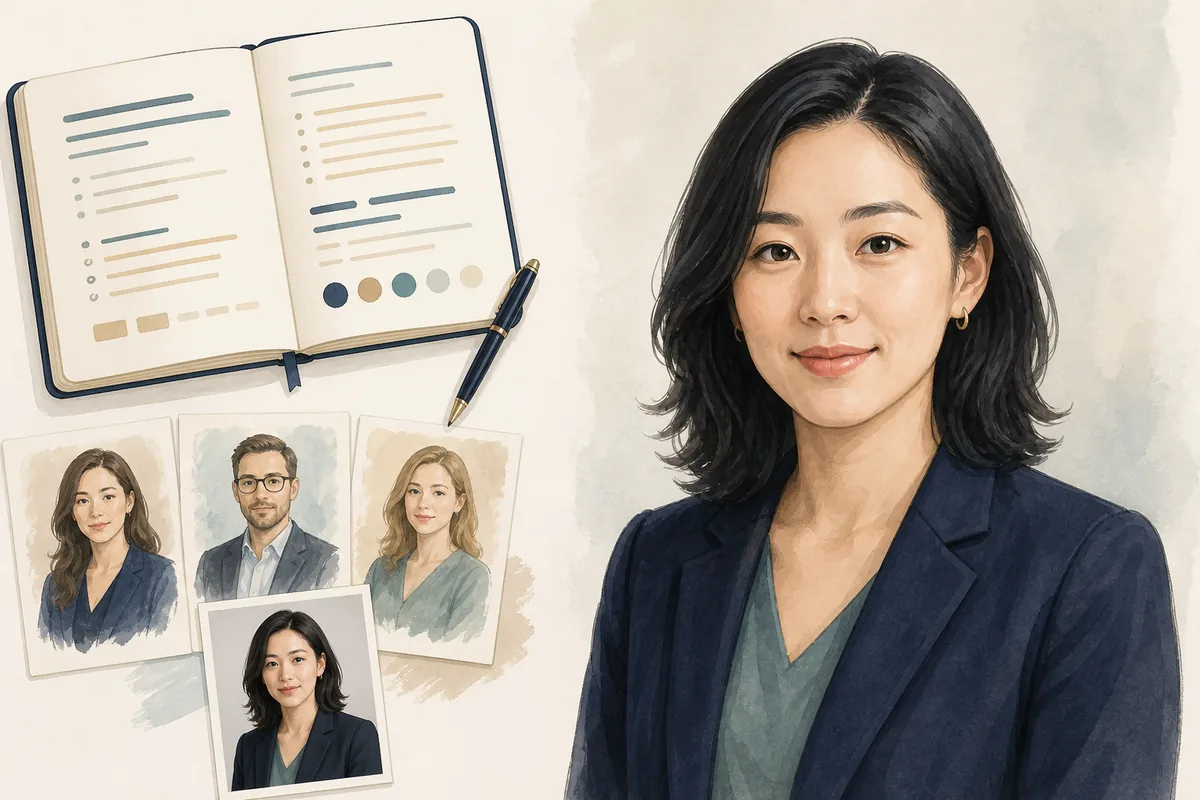
A strong professional headshot prompt names the person, intended use, framing, camera angle, light, background, clothing, expression, and natural-retouching limits. If you are using a reference photo, tell the model to preserve recognizable identity and create a polished but believable portrait. Generate several restrained variations, then review the result at thumbnail size before using it on a profile.
Table of Contents
A professional headshot prompt is not a magic phrase. It is a compact creative brief that tells an image model what the portrait is for, what should stay recognizable, and which visual choices should support that use. The more clearly you describe those decisions, the less likely the result is to look like a generic stock portrait.
AI can help when you need a concept image, a polished variation of an existing portrait, or a fast way to explore background and wardrobe options. It can also introduce problems that are easy to miss at first glance: altered facial structure, over-smoothed skin, artificial eyes, implausible clothing details, or a crop that fails as a small avatar.
This guide focuses on prompt structure rather than a single generator. You will see a reusable template, examples for LinkedIn and other professional contexts, identity-preservation instructions, troubleshooting ideas, and a final review checklist. The goal is a portrait that supports recognition and trust, not an image that makes you look like a different person.
What a Professional Headshot Prompt Should Contain
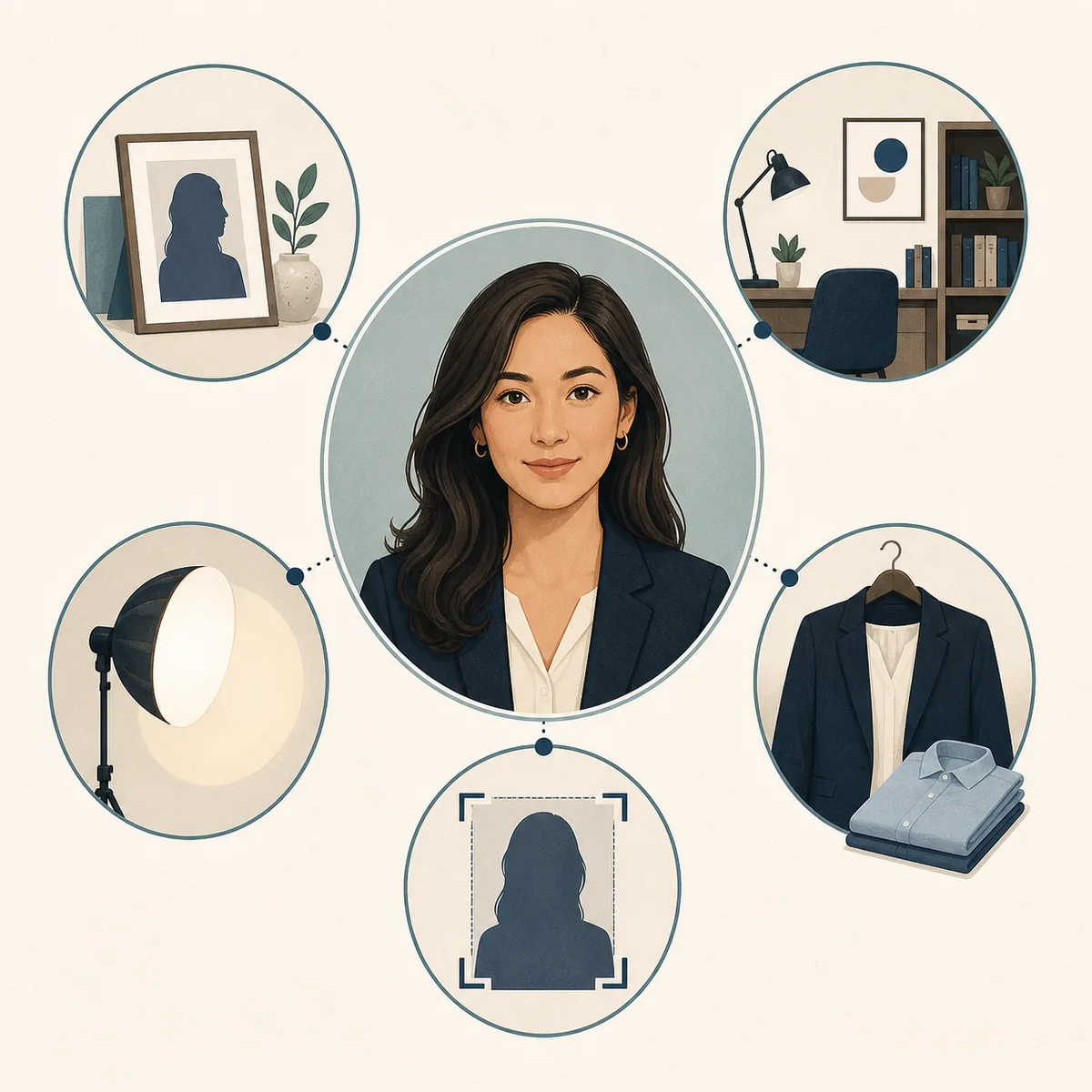
Start by describing the decisions a real photographer would clarify before taking the portrait. A role or use gives the model context; framing and camera height control how the face reads; light and background determine whether the image feels calm or theatrical. Wardrobe and expression then add the right amount of personality.
Avoid piling up fashionable adjectives such as cinematic, viral, stunning, luxury, and perfect. Those words may push the model toward a polished but implausible result. Specific, observable instructions are easier to evaluate and revise.
Identity and subject
State whose portrait this is, whether a reference image is provided, and that recognizable facial structure, age, skin texture, and key features should remain consistent.
Professional use
Name the context: LinkedIn, a company bio, a portfolio, a conference speaker page, or a creator profile. The context guides how formal and approachable the image should feel.
Framing and camera
Specify head-and-shoulders or mid-chest framing, eye-level camera height, a natural perspective, and enough space for a square or circular crop.
Light and background
Describe soft window light, a neutral office, a quiet studio, or another believable setting. Say what must stay out of frame, such as harsh shadows, clutter, and visible logos.
Wardrobe and expression
Choose clothing that fits the role and request a calm, confident, or lightly warm expression rather than a frozen smile or exaggerated pose.
Quality guardrails
Ask for natural skin texture, realistic eyes and hands if visible, clean edges, no text, no watermark, and no beauty edits that change the person.
A Reusable AI Professional Headshot Prompt Template
Copy the structure below and replace the bracketed choices. Keep the prompt concrete and short enough that you can see which instruction caused a change. If the tool supports a separate negative prompt or exclusion field, move the final guardrails there and leave the main description focused on the portrait.
For a reference-based edit, upload a clear image with permission to use it and describe the requested change separately. Do not ask the model to invent a new face when the purpose is a personal profile photo.
Create a realistic professional headshot of [person / role] for [intended use]. Use the supplied reference photo to preserve recognizable identity, facial proportions, age, skin tone, hairline, and natural skin texture. Frame from the shoulders or mid-chest up with the camera at eye level, a natural perspective, and enough space for a square crop. Use [soft window light / gentle studio light] and a [neutral office / simple warm-gray studio] background with subtle depth of field. Dress the person in [specific clothing], with a [calm / approachable / quietly confident] expression and relaxed shoulders. Keep the result believable and current: no face reshaping, plastic skin, exaggerated beauty retouching, warped eyes, extra accessories, text, logos, or watermark.- Replace one bracketed choice at a time so you can compare results instead of changing the whole prompt at once.
- Use the intended audience as a constraint: a legal bio, startup team page, and creative portfolio do not need identical styling.
- If the model changes the face, repeat the identity instruction near the beginning and reduce decorative style words.
- Ask for a clean source portrait first. Add background variation or mild color treatment only after the face and crop are usable.
Professional Headshot Prompt Examples by Use Case
The same person can need more than one professional portrait. These examples keep the identity and framing stable while changing the context, background, wardrobe, and expression.
| Use case | Prompt direction | Why it fits |
|---|---|---|
| LinkedIn profile | Natural head-and-shoulders portrait, soft window light, simple warm-gray background, navy or charcoal layer, approachable eye contact. | Readable at small size and polished without looking like a corporate advertisement. |
| Company team page | Mid-chest portrait, even studio light, quiet office background, role-appropriate clothing, relaxed confident expression. | Creates consistency across a team while leaving room for each person to look like themselves. |
| Speaker bio | Shoulders-up portrait with a little breathing room, clean neutral background, brighter but natural expression, subtle directional light. | Works beside an event biography and keeps the face clear when cropped for a card. |
| Creative portfolio | Professional portrait with natural texture, restrained color, a real studio or workspace context, and a slightly more personal expression. | Shows personality without replacing the person with a stylized avatar. |
| Consultant or coach | Warm daylight, uncluttered office setting, comfortable tailored clothing, direct but welcoming eye contact. | Supports trust and approachability for a service where the person is part of the offer. |
Preserve Identity and Avoid an Artificial Headshot
Identity preservation is the most important quality check when the portrait represents a real person. A generator may produce attractive changes that are still wrong: a narrower jaw, different eye spacing, a younger face, a new hairline, or skin with no visible texture. These changes can make a profile image feel polished while quietly weakening recognition and trust.
Treat the reference image as an identity anchor, not as a suggestion. Use a clear, recent photo with the face unobstructed, and describe the intended edit in terms of light, background, crop, or clothing. If the source image is poor, improve the capture or choose another photo before adding more prompt detail.
- Use a recent reference photo with even light and a clear view of the eyes, hairline, and face shape.
- Ask for identity, proportions, age, skin tone, and distinctive features to remain consistent.
- Prefer natural skin texture and small, believable corrections over flawless skin or dramatic reshaping.
- Review the eyes, teeth, ears, hair edges, jewelry, and clothing seams at full size before publishing.
- Do not imply that an AI-generated portrait is an unedited photograph if that distinction matters to your employer, client, or audience.
Fix Common Professional Headshot Prompt Problems
When a result misses the mark, change the instruction that controls the visible problem. Adding more adjectives usually makes diagnosis harder; use one targeted revision and compare it with the previous version.
| Problem | Prompt adjustment | Final check |
|---|---|---|
| The face looks generic | Repeat the reference-photo and identity instructions; remove glamour and celebrity-style language. | Compare eye spacing, jawline, hairline, and distinctive features with the source. |
| Skin looks plastic | Use natural skin texture, realistic pores, gentle retouching, and documentary-style light. | Zoom in on cheeks, forehead, and around the eyes; texture should not look painted. |
| The result is too dramatic | Replace cinematic, ultra-detailed, or luxury wording with soft, even, neutral professional light. | Ask whether the lighting supports the role or distracts from the face. |
| The crop fails as an avatar | Request shoulders-up framing, eye-level camera, centered face, and breathing room for a square crop. | View the image as a small circle and confirm the eyes remain readable. |
| Clothing or background is strange | Name one simple garment and one believable setting; exclude logos, text, extra accessories, and busy objects. | Check collars, buttons, glasses, earrings, and edges around the shoulders. |
| The image feels too young or altered | State that age, facial proportions, hairline, and natural asymmetry must remain consistent with the reference. | Show the result beside the source and ask a trusted person if they would recognize you. |
How to Review the Generated Headshot
Do not choose a generated portrait only because it looks attractive at full screen. A professional profile photo has to work as a small, repeated identity signal. It should look like you, remain clear after cropping, and match the expectations of the place where it will appear.
Keep the source reference, prompt, and selected output together. That makes it easier to revise the prompt later and to explain that the image is an AI-assisted portrait when disclosure is appropriate. A profile picture rater can provide a second opinion about crop, lighting, and presentation, but it cannot decide whether the image is an honest representation of you.
- Check identity first. Compare the eyes, face shape, hairline, skin tone, age cues, and any distinctive features with the reference photo.
- Check the small crop. Reduce the image to a profile-sized circle or square. Confirm that the eyes and expression remain readable without a distracting background edge.
- Check realism at full size. Look for warped jewelry, teeth, glasses, ears, hair, collars, hands, and repeated textures. Reject a result that requires excuses.
- Check role fit. Ask whether the clothing, background, expression, and color treatment feel credible for the job, audience, and platform.
- Get a human second opinion. Ask someone who knows you whether the portrait looks recognizably like you and communicates the intended level of warmth or authority.
- Professional Headshot at Home Guide — Use a real phone-and-window workflow when you want an authentic source portrait before prompting.
- Best Profile Picture Guide — Use thumbnail clarity, context, and recognition checks when choosing among final portraits.
- LinkedIn Profile Picture Checker — Review professional crop, lighting, expression, and role fit before uploading.
- Profile Picture Rater — Get structured feedback on a candidate image while keeping the limitations of AI in mind.
Frequently Asked Questions
What is a good professional headshot prompt?
A good prompt describes the person and intended use, preserves identity from a reference photo when applicable, specifies framing and camera height, chooses believable light and background, and sets natural-retouching limits. It is specific enough to evaluate but not overloaded with decorative adjectives.
Can I use a ChatGPT prompt for a professional headshot?
You can use the same creative brief structure in ChatGPT or another image tool, but the exact controls differ by product. Keep the identity, framing, role, lighting, wardrobe, and exclusion instructions clear, then inspect the result rather than assuming the prompt guarantees accuracy.
How do I write an AI prompt for a professional headshot from my photo?
Upload a clear, recent reference image if the tool allows it, state that recognizable identity and facial proportions must remain consistent, and describe only the changes you want such as crop, background, light, or clothing. Avoid asking for a completely new face when the image represents you.
Should I tell people that a professional headshot is AI-generated?
That depends on the platform, employer, client, and purpose. If the image is presented as a real representation of you, do not hide material changes that could mislead people. When in doubt, keep an authentic source portrait available and follow the disclosure expectations of the context.
Why does the generated headshot not look like me?
The reference may be unclear, the identity instruction may be too weak, or style language may be overpowering the subject description. Repeat the identity constraints, reduce glamour wording, use a cleaner source photo, and compare one targeted revision at a time.
Can an AI headshot replace a professional photographer?
Not in every situation. AI is useful for exploring concepts and producing some profile-photo variations, but a photographer captures real expression, accurate likeness, wardrobe detail, and context without synthetic artifacts. Use the method that best fits the trust and disclosure requirements of the image.
The practical takeaway
Treat a professional headshot prompt like a short photography brief: protect identity, specify the role and crop, choose believable light and clothing, and reject results that look attractive but do not look like you. A restrained prompt plus a careful final review produces a more useful profile photo than a pile of generic style words.