Best Profile Picture: How to Choose One That Works Anywhere
A practical, cross-platform method for choosing a clear, recognizable photo—without chasing one perfect score.
Emily Chen · Photo and AI tools editor focused on practical profile-image decisions
Quick answer
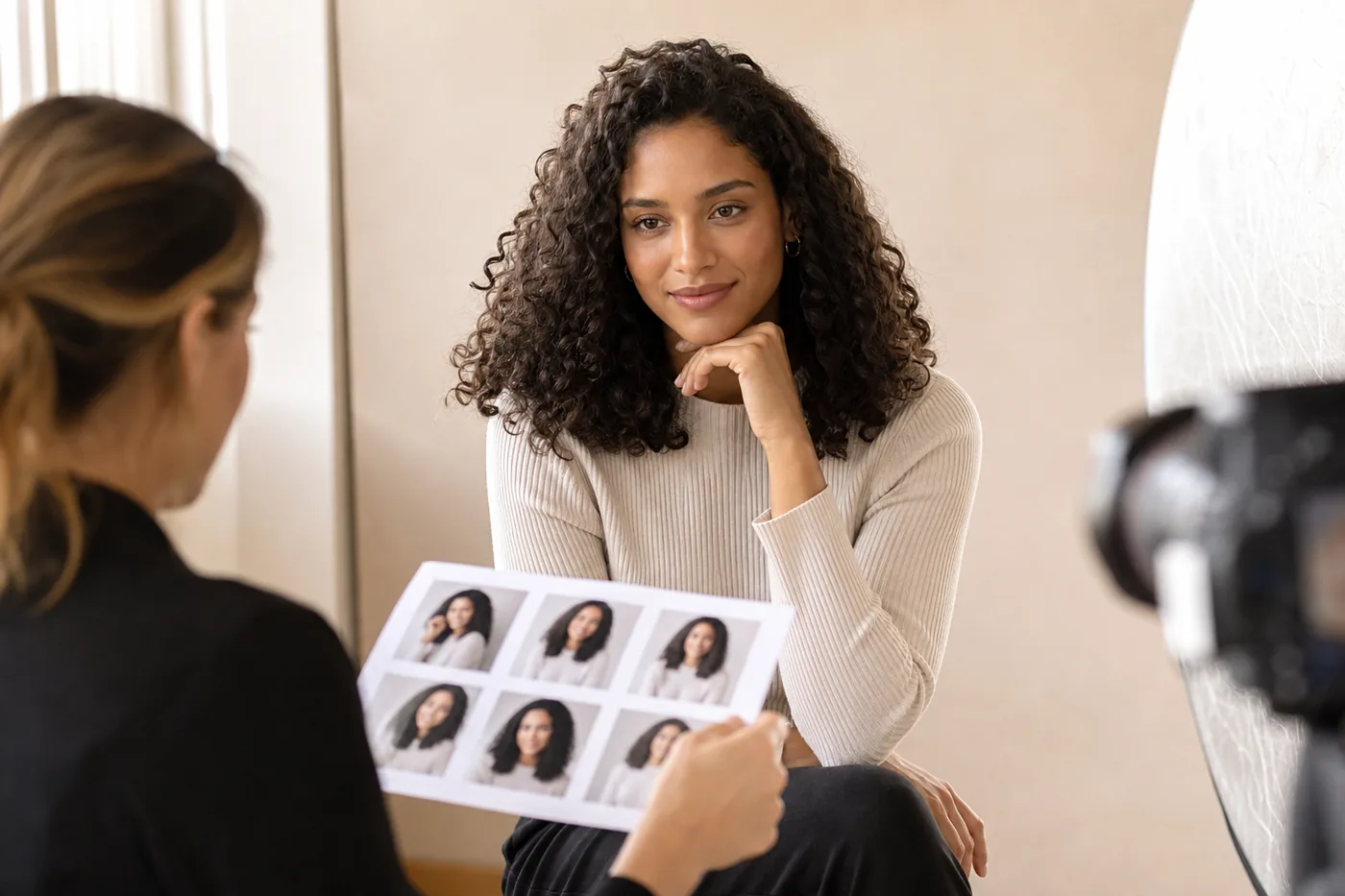
The best profile picture is recent, recognizable at thumbnail size, evenly lit, simply cropped, and appropriate for where it will appear. Start with three to five candidates, remove any image that becomes unclear in a small circle, then choose the photo that balances warmth, confidence, and context.
Table of Contents
A profile picture is rarely viewed as a full portrait. Most people first see it as a tiny circle beside a name, comment, search result, message, or match card. That means a technically beautiful photograph can still be a weak profile image if the face is too small, the crop feels accidental, or the background competes for attention.
This guide focuses on the decision that comes before uploading: how to compare your own photos and select the one that communicates the right impression quickly. It is intentionally broader than our LinkedIn, Instagram, Tinder, and dating-photo guides, which keep their platform-specific intent.
What Makes a Good Profile Picture?
Good profile pictures reduce uncertainty. A viewer should recognize the person, understand the general tone, and feel that the photo belongs in the surrounding context.
Recognizable at small size
Your eyes, face shape, and expression remain readable when the image is reduced to a small circle.
Clean light and contrast
The face is brighter than the background and shadows do not hide the eyes.
Intentional crop
Head and shoulders fill enough of the frame while leaving breathing room around hair and chin.
Context fit
Expression, clothing, background, and polish match the professional, social, dating, or creator setting.
Match the Photo to Its Use
There is no single best profile picture for every account. Choose the communication goal first.
| Use | Best signal | Usually avoid |
|---|---|---|
| Professional | Clear eye contact, current appearance, calm confidence, simple background | Party crops, heavy filters, distant full-body photos |
| Social | Recognizable face, personality, color, relaxed expression | Busy group shots or visual jokes that hide identity |
| Dating | Warm expression, natural light, realistic appearance | Sunglasses as the lead image or extreme edits |
| Creator or founder | Distinctive, repeatable visual identity and credible personality | Trend effects that date quickly |
A Five-Step Selection Workflow
Use the same process every time so preference does not turn into endless comparison.
- 1. Define the job of the photo. Write the impression it should communicate.
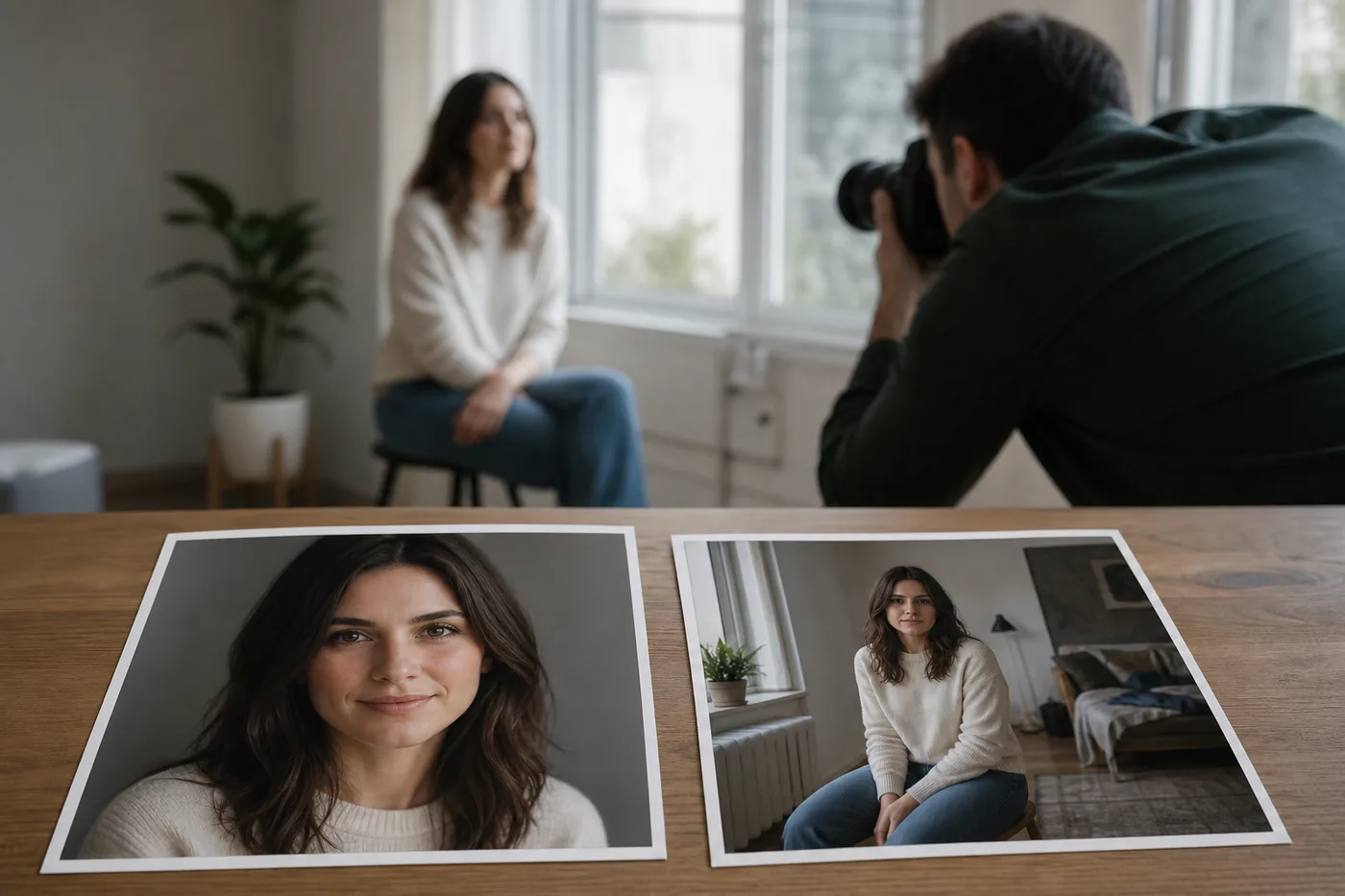
- 2. Shortlist only clear candidates. Keep three to five recent photos with visible eyes and enough resolution.
- 3. Run the thumbnail test. Shrink each photo to avatar size and remove any option whose face or expression disappears.
- 4. Compare one variable at a time. Review crop, light, expression, background, and context separately.
- 5. Ask for targeted feedback. Ask which image looks most recognizable, trustworthy, warm, or appropriate—not merely which is best.
Common Profile Picture Mistakes
The most common mistakes are failures of clarity or context, not attractiveness. A simple phone photo can outperform a polished portrait when the face reads instantly.
- Using a group photo and forcing viewers to identify you
- Cropping the top of the head or placing the eyes too close to the edge
- Choosing a dark image because it feels cinematic at full size
- Applying filters that change skin texture, facial shape, or age
- Using an old image that no longer helps people recognize you
- Picking the highest-scoring photo even when it does not fit the platform
How AI Feedback Can Help—Without Choosing for You
An AI profile picture rater can compare face visibility, lighting, expression, balance, and presentation across similar candidates.
A score is not a universal measure of appearance, trustworthiness, or value. Use comments to spot practical issues, then decide based on purpose and whether the photo still feels like you.
Compare profile pictures with AI feedbackUse a Platform-Specific Checklist Next
Once you have a strong general candidate, check the details that matter on the destination platform.
- Instagram profile picture tester — Preview a circular crop and check small-size visibility.
- LinkedIn profile picture checklist — Review professional context, clothing, crop, and credibility.
- Dating profile picture guide — Choose a lead image and a balanced supporting photo set.
- Tinder profile picture guide — Optimize the first photo and sequence for quick swipe decisions.
- Professional headshot at home guide — Set up window light, background, clothing, and framing for a work-ready portrait.
Frequently Asked Questions
What is the best profile picture?
The best profile picture is easy to recognize at small size, clearly lit, current, intentionally cropped, and suited to the account’s purpose.
Should I smile in my profile picture?
A natural smile often adds warmth for social or dating profiles. A friendly neutral expression can work professionally if the eyes remain engaged.
How much of my face should fill the frame?
A head-and-shoulders crop usually works well for circular avatars. Leave a small margin around hair and chin.
Can I use the same profile picture everywhere?
Yes for recognition, but work and dating contexts may benefit from a different crop or expression.
Do AI photo ratings tell me which picture is objectively best?
No. AI feedback compares visible signals but cannot know every audience, culture, platform goal, or preference.
How often should I update my profile picture?
Update it when your appearance, role, or image quality changes enough to affect recognition or context.
Choose for recognition first, then refine
Start with clarity: a current face, readable eyes, clean light, and a deliberate crop. Then choose the expression and context that fit the account. The best profile picture helps the right audience recognize and understand you quickly.