ChatGPT Attractiveness Test: Can ChatGPT Rate Your Face?
A practical guide to using ChatGPT for photo feedback without mistaking a chat response for an objective beauty score
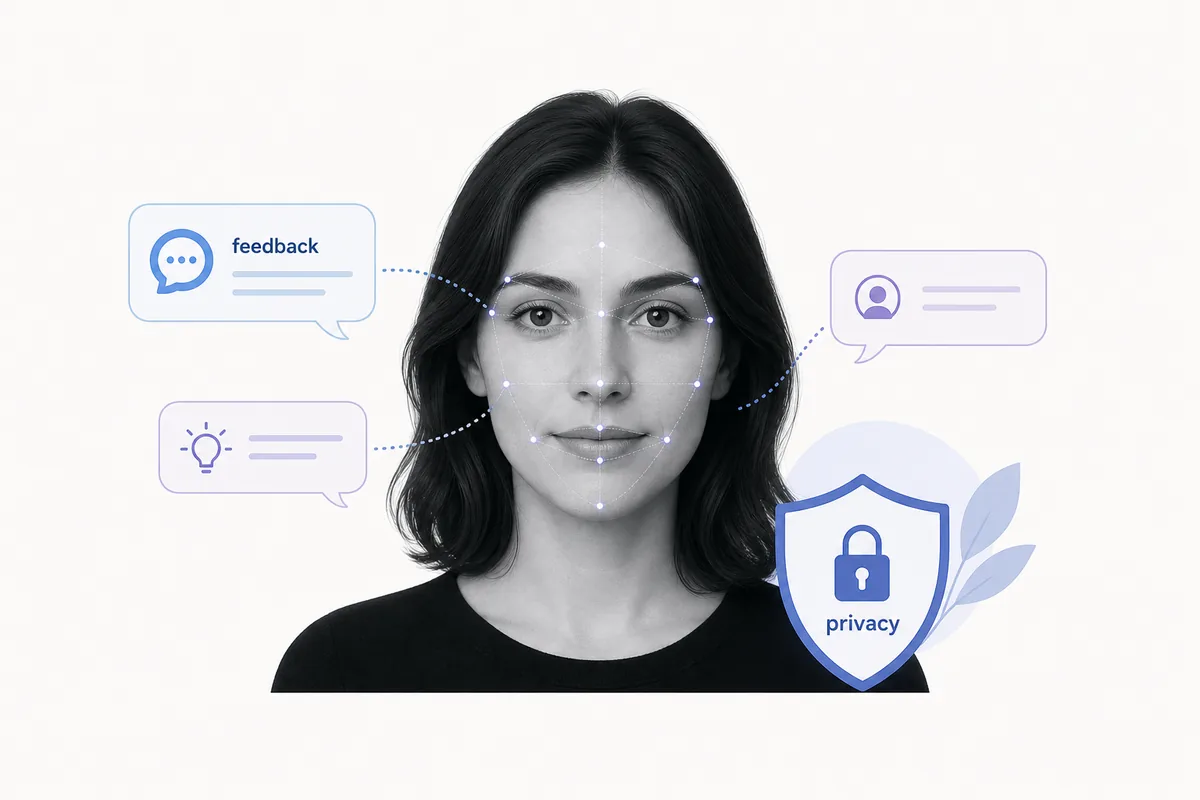
Table of Contents
A ChatGPT attractiveness test sounds simple: upload a selfie, ask ChatGPT to rate your face, and get a number. The reality is more nuanced. ChatGPT can often discuss visible photo qualities, but the result depends on the model version, image access, your prompt, safety behavior, and the limits of judging appearance from one image.
If your real goal is to choose a better dating photo, LinkedIn headshot, Instagram avatar, or profile picture, the best use of ChatGPT is not to chase a beauty score. It is to ask for practical feedback on lighting, crop, expression, clarity, background, and how the photo may read at small sizes.
This guide explains what ChatGPT can and cannot do, how it differs from a dedicated AI attractiveness test, how to write a safer prompt, and what privacy checks to make before sending any face photo to an AI system.
Can ChatGPT Rate Your Face?
ChatGPT may be able to analyze an uploaded photo when image features are available in your account and app. In that situation, it can comment on visible elements such as lighting, framing, expression, sharpness, background, and general presentation.
That is not the same as an objective beauty scale. A single face rating can feel precise even when it is shaped by photo quality, camera angle, cultural assumptions, and the wording of your prompt.
If you need a consistent 1-10 attractiveness score, a specialized face rater is usually more direct because it is designed around scoring outputs. If you need interpretation, safer wording, and improvement ideas, ChatGPT can be useful as a second opinion.
Best practical interpretation
Use ChatGPT to improve the photo. Use a dedicated AI face rater when you specifically want a repeatable numeric score.
ChatGPT vs a Dedicated AI Face Rater
The two tools answer different jobs. The table below separates the search intent behind ChatGPT face rating from a purpose-built photo rating tool.
| Need | ChatGPT | Dedicated AI face rater |
|---|---|---|
| Photo-quality explanation | Strong for conversational feedback and improvement ideas | Usually shorter unless the tool includes detailed feedback |
| Consistent 1-10 score | Less predictable because prompts and model behavior vary | Better fit because scoring is the core output |
| Privacy clarity | Depends on current account controls and product settings | Depends on the site's own photo storage and deletion policy |
| Profile-photo decision | Good for interpreting why a photo works or fails | Good for comparing several candidate photos quickly |
| Emotional safety | Can be framed gently and constructively | A raw number can be easier to misread as a personal verdict |
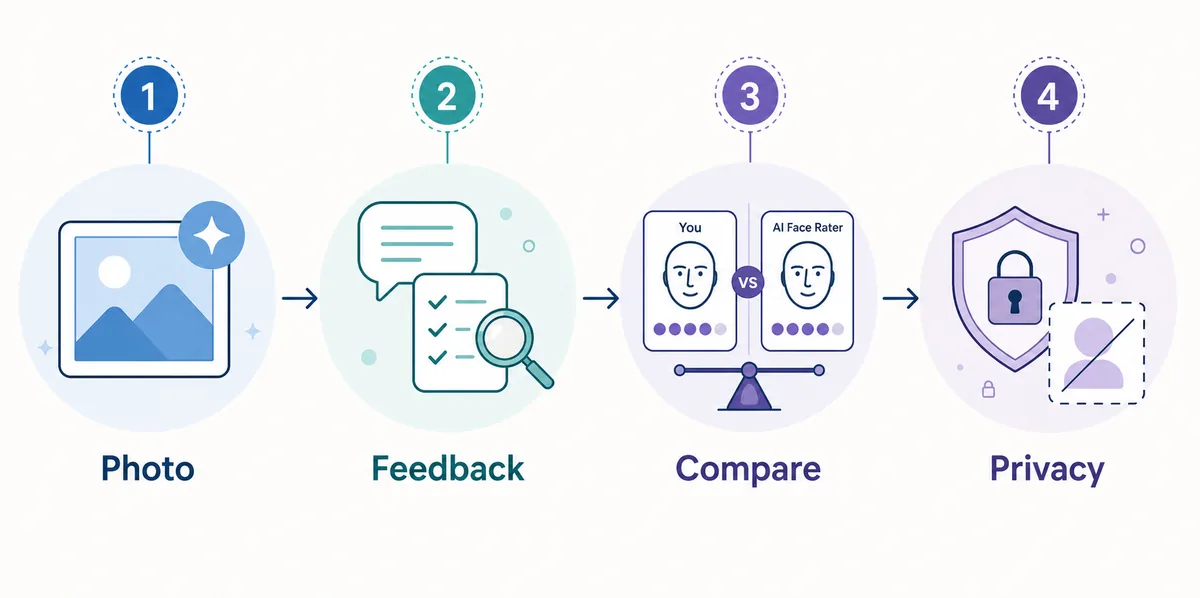
For most people, the strongest workflow is to use a face rater for a quick score, then use ChatGPT-style feedback to understand which photo details may have influenced the result.
How to Ask ChatGPT for Useful Attractiveness Feedback
The prompt matters. A vague prompt like 'rate my face' encourages a shallow answer. A better prompt frames the request around photo presentation and asks for actionable suggestions.
1. Use a clear, recent photo
Choose a photo with your face visible, soft light, no heavy filters, and enough resolution for details. Avoid uploading private, sensitive, or identifying images if you would not be comfortable storing them in an online account.
2. Ask for photo feedback instead of a personal verdict
Request comments on lighting, crop, expression, background, grooming, pose, and profile-picture readiness. This keeps the answer practical and less emotionally loaded.
3. Ask for ranked improvements
A useful answer should tell you the top two or three changes that would improve the photo, such as moving to window light, cropping tighter, changing the background, or trying a more relaxed expression.
4. Compare several photos
One result is noisy. Uploading or describing several candidate photos helps you identify patterns across lighting, angle, and expression instead of overreacting to one answer.
Prompt you can adapt
Review this portrait as profile-photo feedback. Focus on lighting, crop, expression, background, clarity, and first impression. Give a cautious 1-10 photo-quality estimate only if appropriate, then list three specific improvements.
What ChatGPT Can Miss in an Attractiveness Rating
A conversational AI response can sound confident, but several limits matter when the topic is appearance.
- It may not use a stable scoring scale - Two prompts can produce different ratings because the model is responding conversationally rather than running a fixed face-rating pipeline.
- It can over-focus on visible photo quality - Lighting, blur, angle, and crop can dominate the answer even when the person is the same.
- It cannot measure chemistry or personality - A photo cannot capture voice, movement, warmth, humor, confidence, or real-world attraction.
- It may reflect cultural bias - Any model trained on human language and image patterns can inherit narrow assumptions about beauty, style, age, gender presentation, and norms.
- It may be too polite or too vague - Safety behavior can make the answer supportive but less specific. Ask for concrete photo changes rather than a harsh personal score.
Privacy Checks Before Uploading a Face Photo
A face photo is sensitive personal data. Before uploading one to any AI system, read the service's data controls and privacy settings. In ChatGPT, available data controls can vary by plan, region, and product surface, so check your current account settings rather than relying on old screenshots or social posts.
The safer default is to upload only photos you are comfortable sharing with an online service, remove unnecessary background details, and avoid images that include other people, IDs, children, medical context, workplace badges, addresses, or private locations.
| Check | Why it matters |
|---|---|
| Data controls | Know whether conversations or uploaded content may be used to improve models. |
| Photo retention | Look for information about storage, deletion, and account history. |
| Third-party sharing | Avoid tools that do not explain processors or service providers. |
| Background details | Crop out addresses, badges, documents, and other people. |
| Use case | Do not upload sensitive photos just to satisfy curiosity about a score. |
Best Use Cases for a ChatGPT Attractiveness Test
The best use cases are practical and photo-focused, not self-worth-focused.
Choosing a dating photo
Ask which photo looks clearer, warmer, and more approachable, then compare that answer with a dedicated dating photo guide.
Improving a headshot
Use ChatGPT to spot issues in lighting, background, crop, and expression before using the image professionally.
Understanding a low score
If a face rater score seems low, ask what photo-quality factors could have affected the result before assuming it says something permanent.
Writing a retake checklist
Turn the feedback into a short retake plan: light source, camera height, background, outfit, and expression.
Frequently Asked Questions
Bottom Line
A ChatGPT attractiveness test can be useful when it is framed as photo feedback. It can help you notice lighting, crop, expression, and presentation details that are easy to miss when judging your own picture.
It is not a final beauty verdict. If you want a numeric attractiveness score, use a purpose-built AI attractiveness test and compare multiple photos. If you want context and improvement ideas, use ChatGPT carefully, with privacy in mind and with prompts that focus on the photo rather than your personal value.